
Portraits & Photos
Turn everyday photos into retro pixel avatars — perfect for profile pictures, stickers, and social posts.
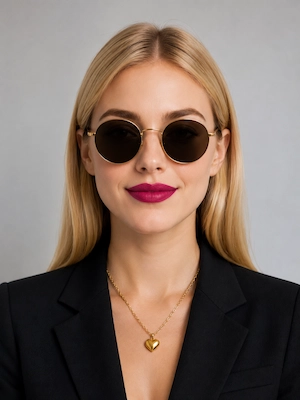
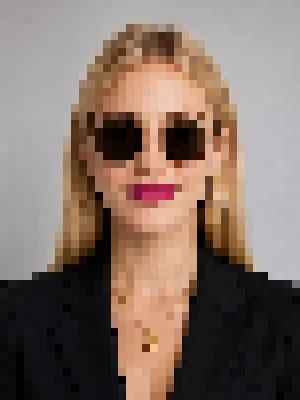
The professional and free online tool to turn any image into a retro pixelated style. Supports PNG/SVG export, perfect for game dev, UI design, and digital art creation. No registration required, start now!
Start Converting FreeDrop your image here, or click to browse
Supports JPG, PNG, GIF, WebP, BMP | Up to 30MB
Renders in real time right in your browser — drag the pixel size and preview the effect instantly.
Export to PNG / SVG, ideal for game assets and web design.
Set anywhere from 2 to 256 colors to balance original detail with a retro palette.
Processed entirely in your browser — never uploaded to any server, so your privacy stays protected.
Turn everyday photos into retro pixel avatars — perfect for profile pictures, stickers, and social posts.
Turn reference images into pixel-art inspiration for game scenes, props, and visual direction.
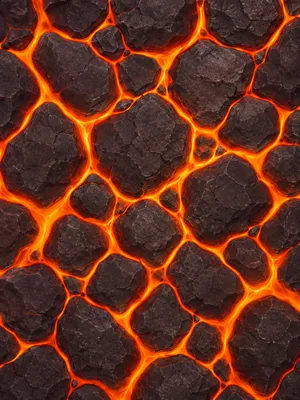
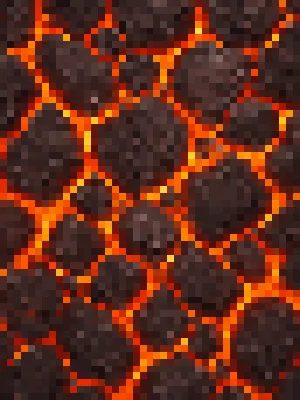
Transform scenery photos into dreamy pixel vistas for wallpapers, concept art, and world-building.
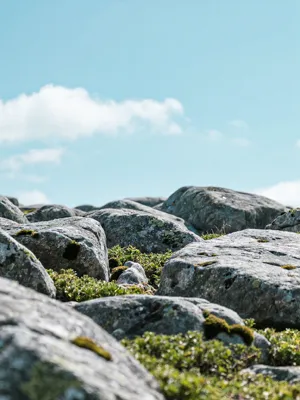
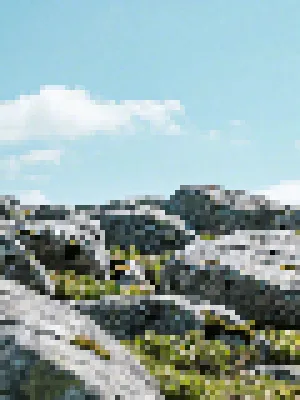
Pixel art is a classic form of digital art created by arranging a limited number of pixel blocks and colors. Originating from the technical limitations of early video games like Super Mario and Pokémon, it has evolved into a unique art style widely used in game development, UI design, and digital art.
We support major image formats including JPEG, PNG, GIF, WebP, and BMP, with a maximum file size of 30MB.
No waiting needed. Everything is processed in real time right inside your browser. Once you upload an image, dragging the slider shows the pixel effect instantly. It does not rely on a server and is not affected by your network speed.
SVG (Scalable Vector Graphics) is an XML-based vector graphics format. Unlike traditional bitmap formats (such as PNG, JPEG), SVG images can be scaled infinitely without losing quality, making them perfect for game development and web design. The SVG format pixel art generated by our tool can easily maintain crisp pixel effects at any size.
Pixel size controls how coarse the blocks are. A smaller value keeps the image closer to the original with more detail. A larger value gives a stronger pixelated, retro look. Just drag the slider and pick the effect you like best in the live preview.