How to Choose the Right Pixel Block Size
· updated July 28, 2026 · PixelTool Team
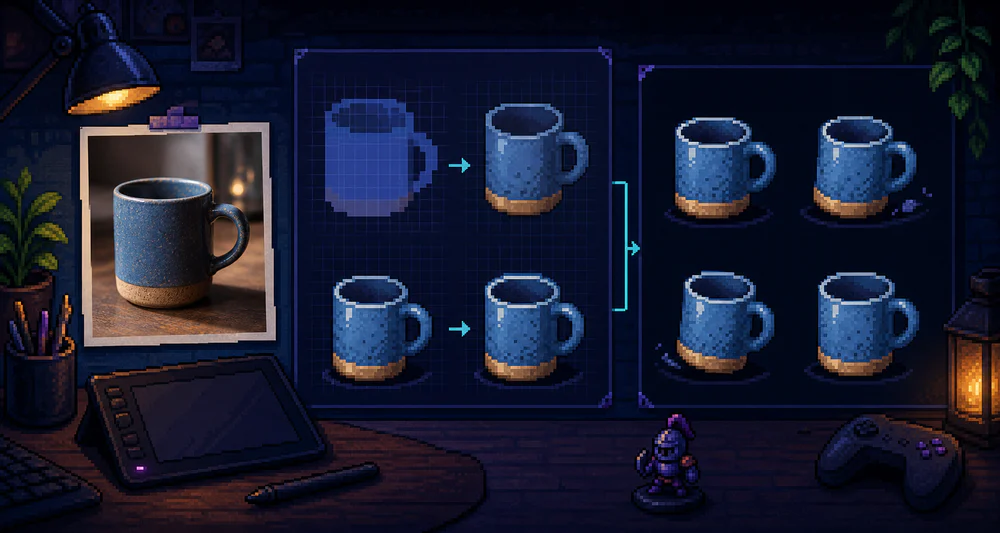
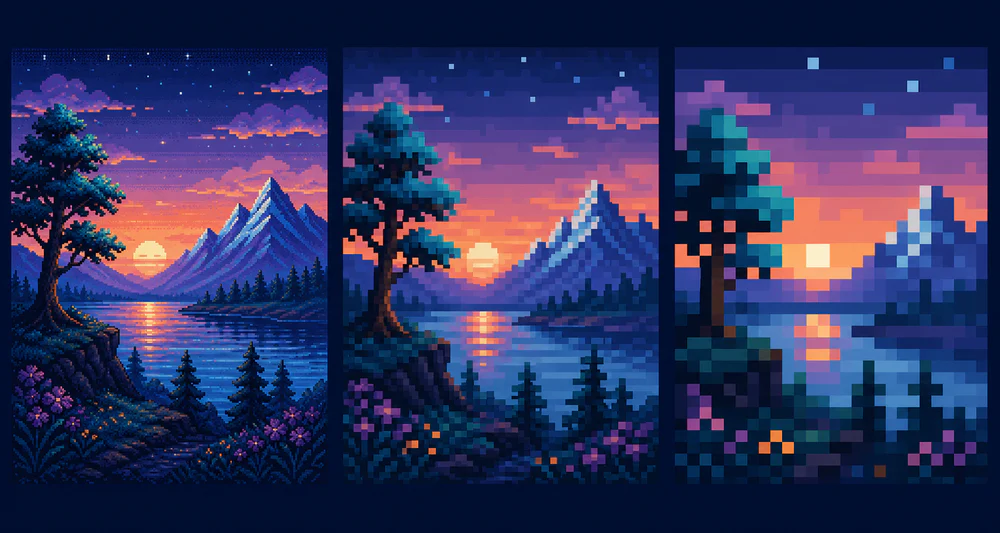
A practical guide to choosing pixel block size for portraits, landscapes, icons, and game assets without losing the subject.
Read more
GuideResolution
Product updates, practical tips, and articles on creating pixel art with PixelTool.
A practical guide to choosing pixel block size for portraits, landscapes, icons, and game assets without losing the subject.
Turn a clean photo into a usable game-sprite starting point with better silhouettes, controlled colors, consistent scale, and export checks.
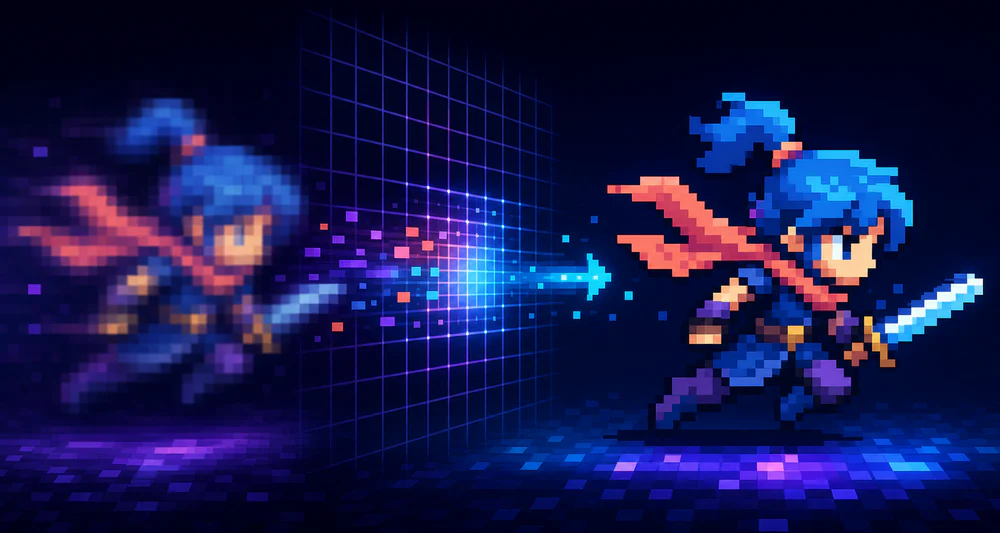
Fix blurry pixel art by checking fractional scaling, image smoothing, export size, browser CSS, and source quality.
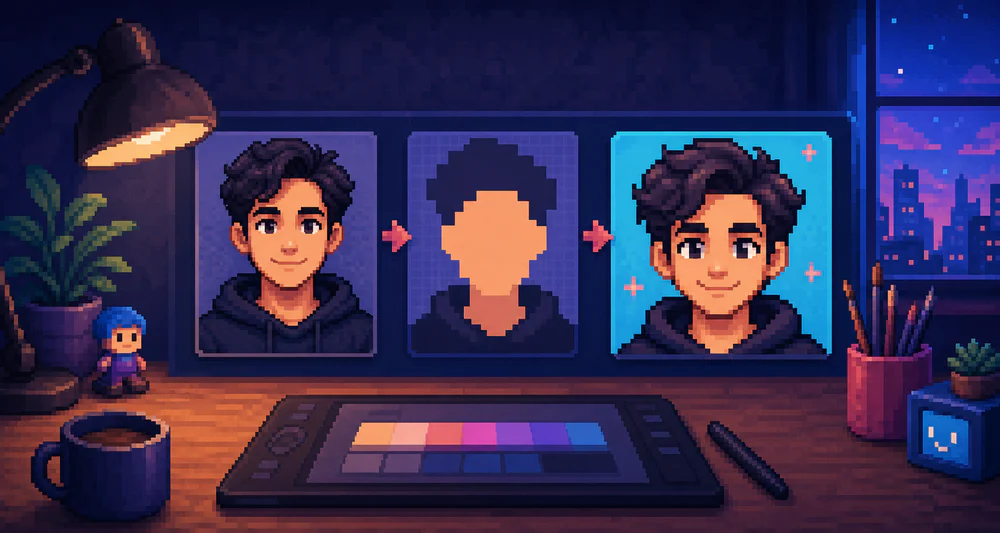
Create a recognizable pixel art avatar by choosing the right crop, preserving facial landmarks, simplifying color, and testing at small sizes.
Learn a practical photo-to-pixel-art workflow that preserves faces, silhouettes, and important details without keeping every color.
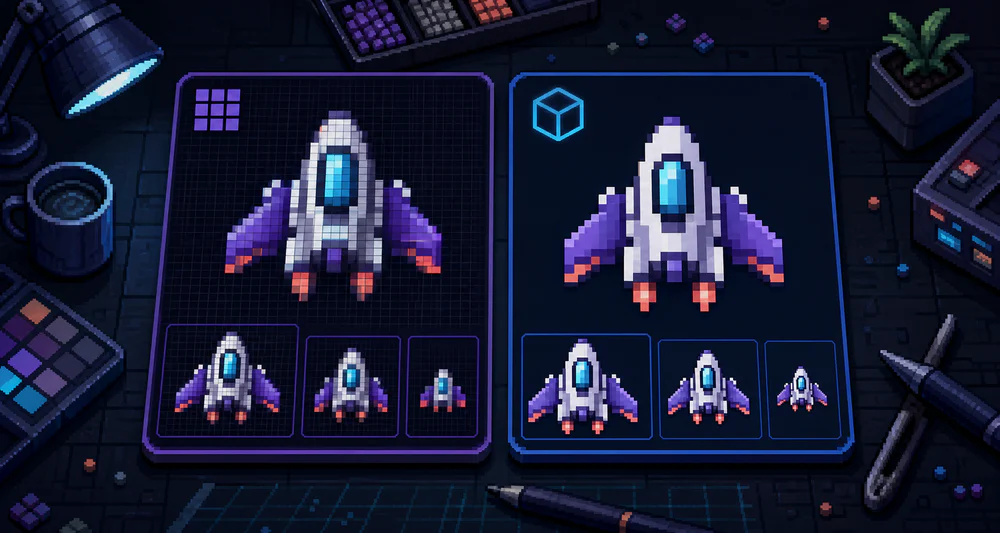
Compare PNG and SVG pixel art exports for websites, games, social posts, printing, editing, and sharp scaling.
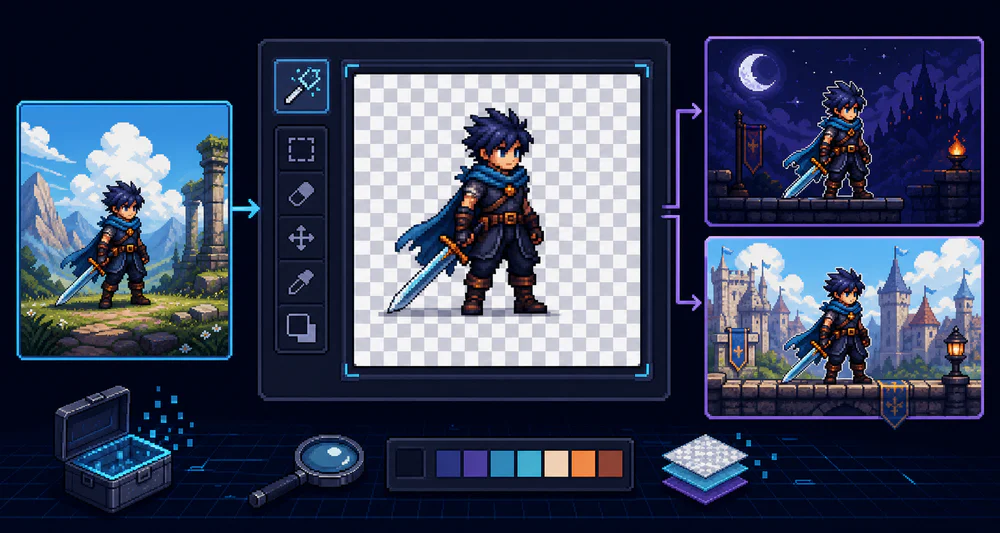
Prepare, convert, inspect, and export pixel art with transparent backgrounds while avoiding halos and rough edges.
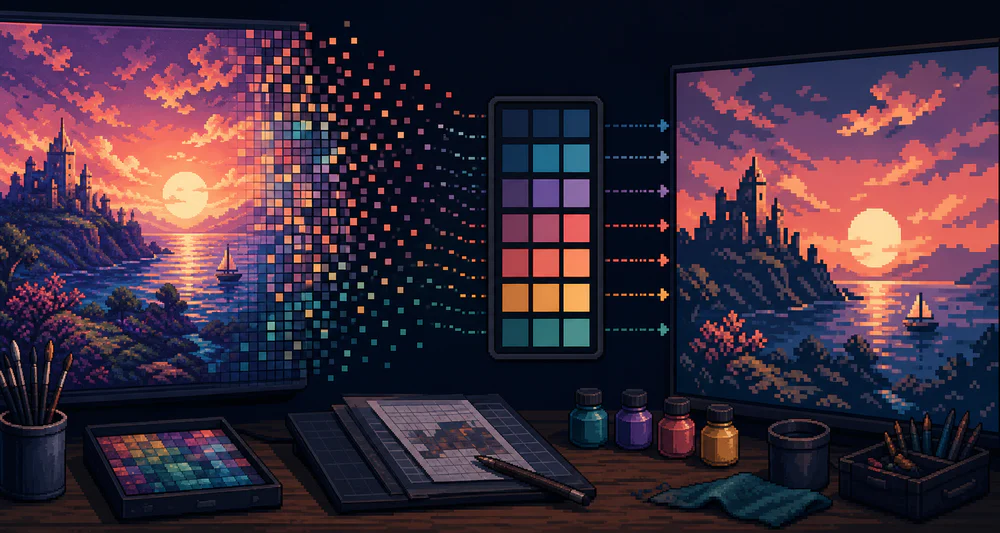
Learn how to reduce colors while protecting contrast, skin tones, materials, and focal points in converted pixel art.
A quick introduction to PixelTool: why image processing stays in your browser and how to create pixel art you like.